
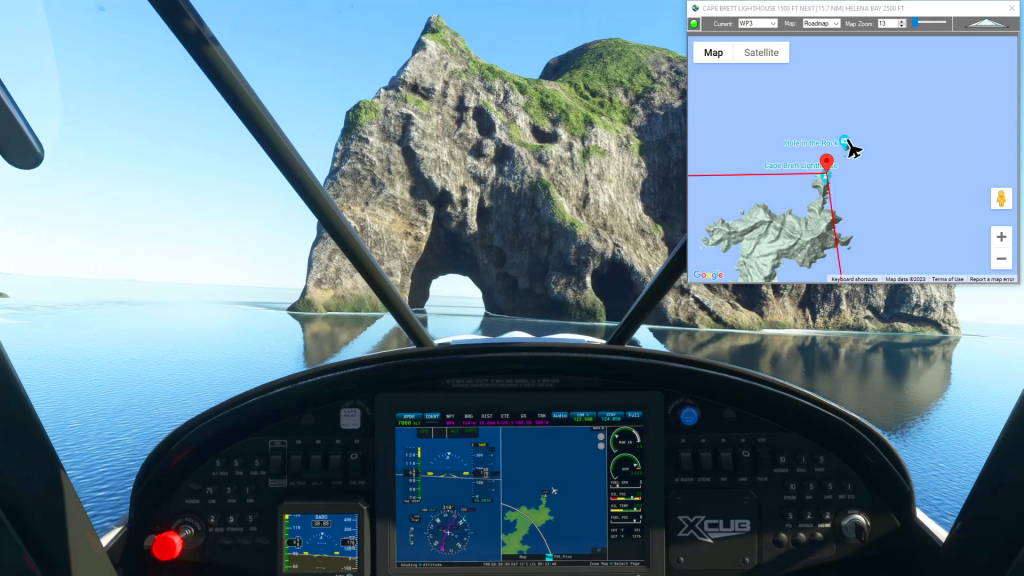
After crashing your aircraft in Microsoft Flight Simulator 2020 you are presented with a Restart and Main Menu options allowing you to reload your flight plan and start over or just give up and try something else. But Flightplan allows you to determine the exact coordinates of your crash, which you can then use to…
Flight Planner MSFS 2020
Flightplan is a Google Maps flight planning add-on for use with Microsoft Flight Simulator 2020. You can use Cockpit Map to take Google Maps in the cockpit with you to use real time terrain elevations, road maps, landmarks, satellite views and street view 3D imagery. Flightplan can also be used to create and share your own flight plans using an interactive drag-and-drop, Google Maps interface.
Download Flightplan and try it yourself – the link is at the bottom of the page.
You can also download and fly any of our free flight plans using the Download Link at the top. Load them in MSFS World Map and you are ready to fly.
For more information see the topics below or check out our YouTube channel or FAQ page.
Happy Flying!
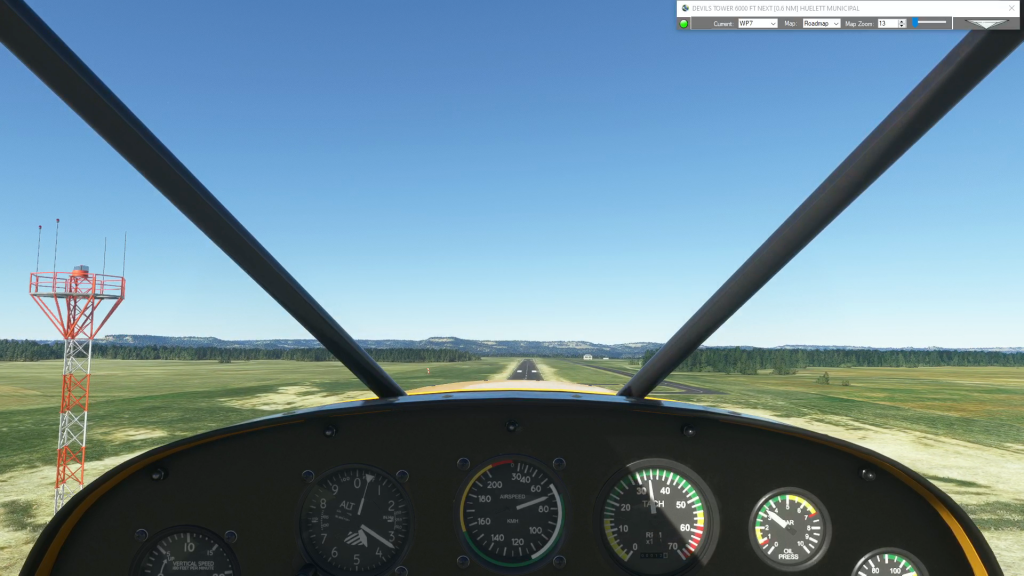
How can I add an airport to my flight plan?
Using Flightplan you can take off and land anywhere, so basically the world is your airport. You can set your aircraft to spawn floating on a lake or bay, or sitting on top of a sky scraper. But you can also add a legitimate airport on-the-fly in Flightplan. Just look up the ICAO code (optionally)…
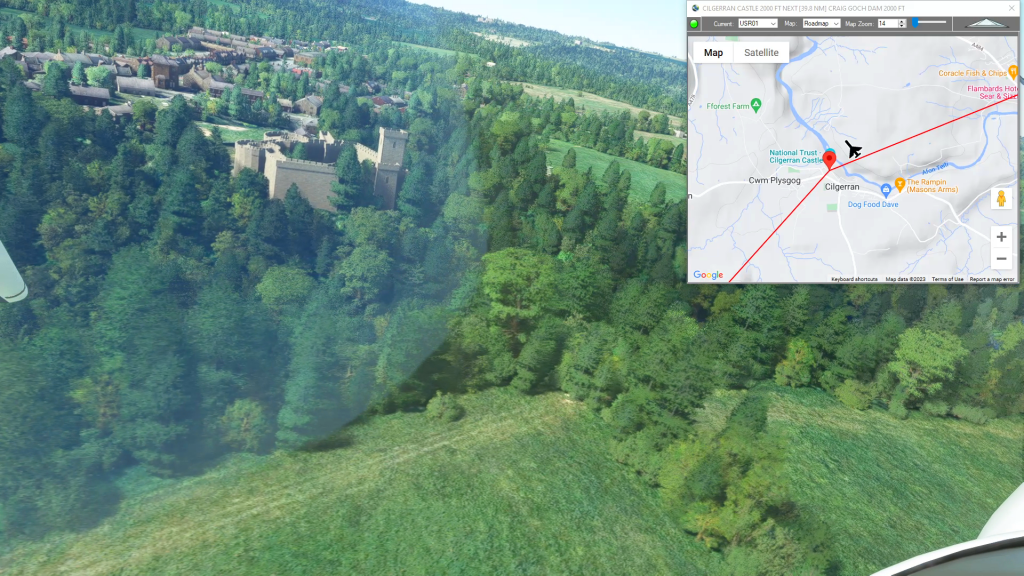
How To Create A Bush Trip
You can use Flightplan to create multi-leg flights that mimick the in game Bush Trips in Microsoft Flight Simulator. Flightplan creates Free Flight type flight plans that can be flown in sequence by simply loading the next consecutive flight plan after landing. The https://simflightplan.com/series/pacific-nw/ Pacific Northwest Series is an example of this. See the YouTube…
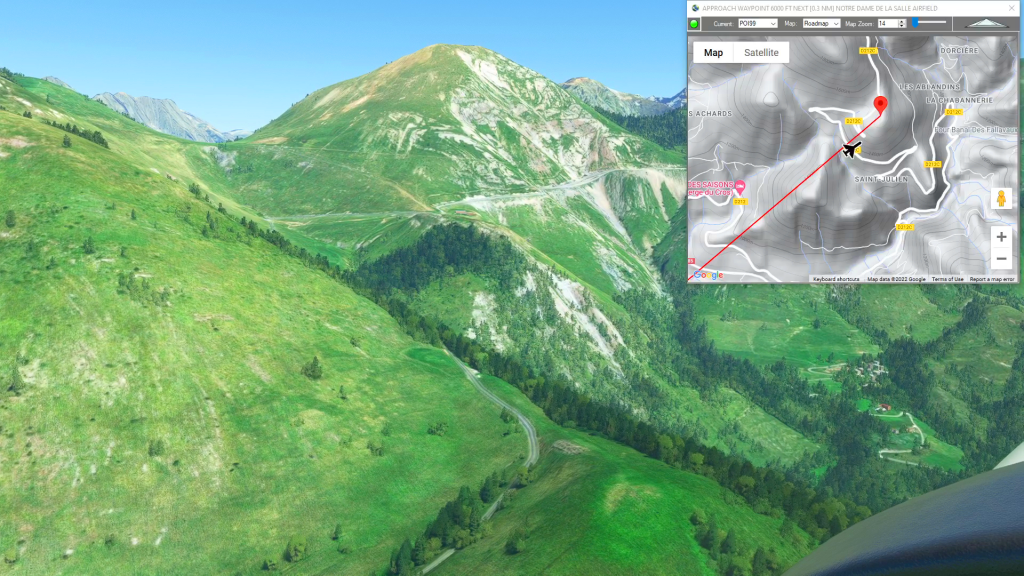
How To Create A Landing Practice
You can practice challenging approaches from the MSFS 2020 Bush Trips in Flight Plan. Just copy the Bush Trip to a Free Flight, then delete the waypoints you don’t want. You can use the contour lines on the map to determine your runway elevation if you aren’t certain of it. You can also review the…

How To Share A Flight Plan
You can share a flight plan at https://simflightplan.com/download/ by clicking the Share Button at the top (next to the Save Button). You have options to type an addtional summary, include the list of waypoints and distances, and post under your own simflightplan username if you want. You can also include a featured image if you…