
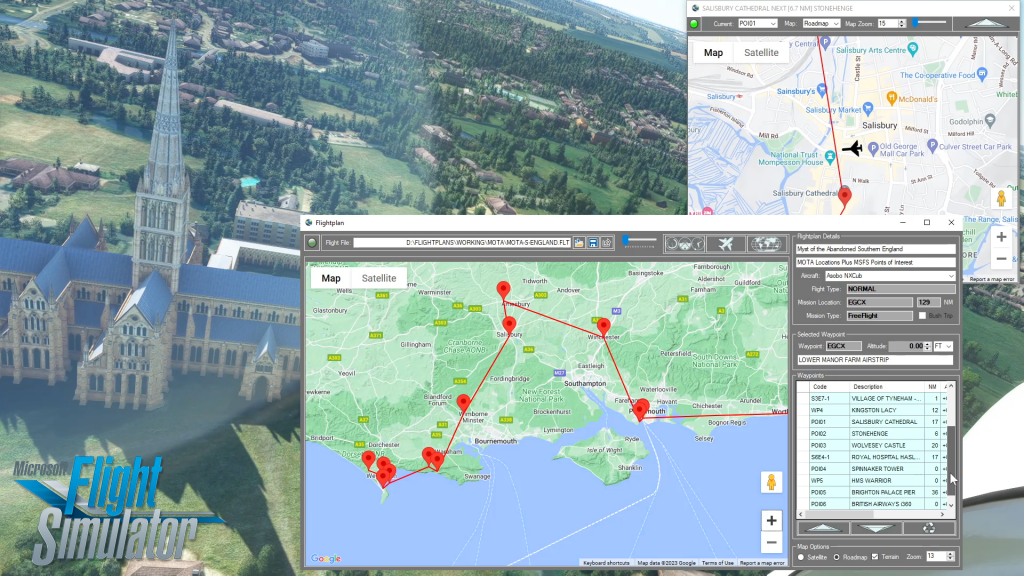
There are several ways to copy and save flight plans to create a new flight plan (Check out the videos on our YouTube channel link below). There is not currently a specific New button in Simflightplan™ to create a file from scratch. The primary reason for this is that the values that define the aircraft,…
Flight Plan Flight Simulator 2020
Simflightplan™ is a Google Maps flight planning add-on for use with Microsoft Flight Simulator. You can use Cockpit Map to take Google Maps in the cockpit with you to use real time terrain elevations, road maps, landmarks, satellite views and street view 3D imagery.
Download Simflightplan™ and try it yourself. You can also download and fly any of our free flight plans, click the Downloads link at the top to search all downloads. Load them in MSFS World Map and you are ready to fly.
For more information see the FAQ page or our YouTube channel.
Happy Flying!
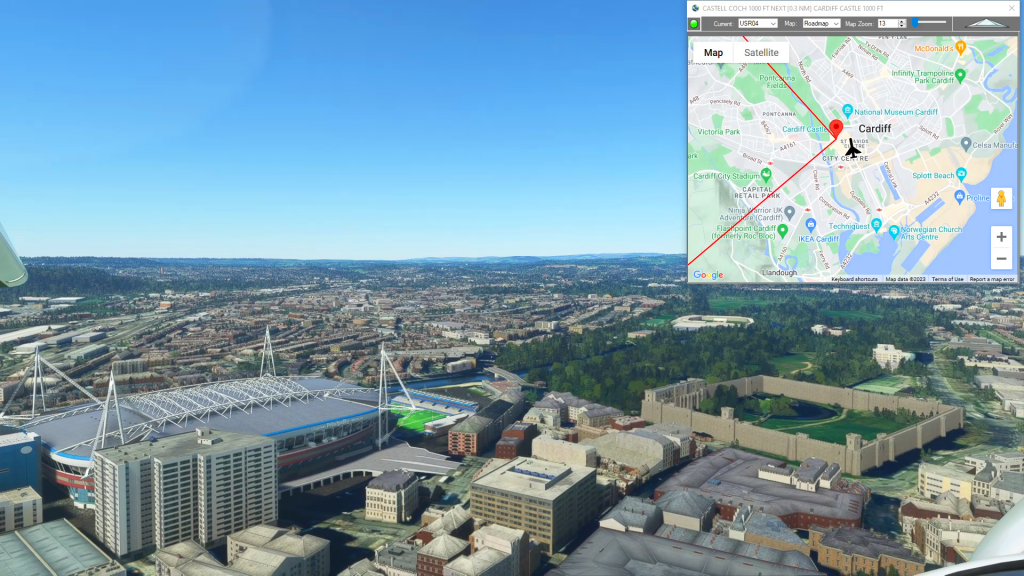
How do I use Google Maps in MSFS?
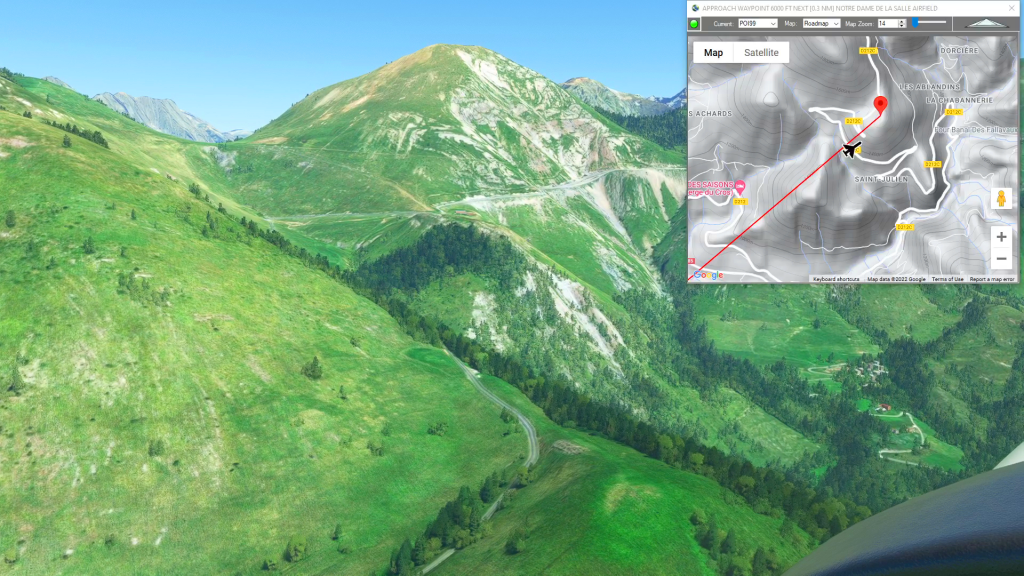
With Simflightplan™ for Flight Simulator, you can take Google Maps in the cockpit with you. Simflightplan™ Cockpit Map allows you to see the real-time google map beneath you as you fly. Just like on your phone, Google Maps will display road names, place names, landmarks, street views and 3D photogrammetry as you fly. You can…
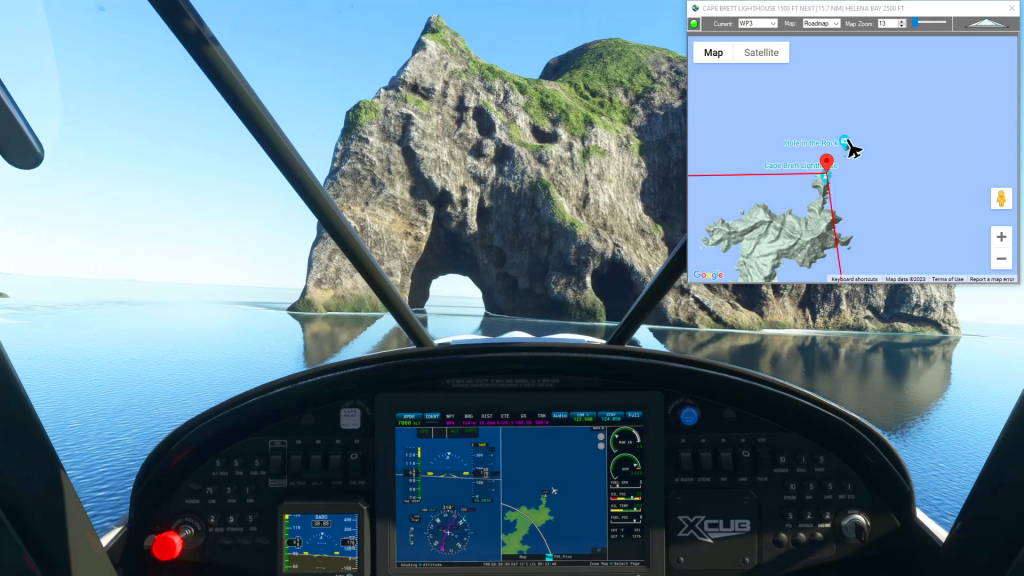
How To Resume In Flight After A Crash
After crashing your aircraft in Microsoft Flight Simulator you are presented with a Restart and Main Menu options allowing you to reload your flight plan and start over or just give up and try something else. But Simflightplan™ allows you to determine the exact coordinates of your crash, which you can then use to respawn…
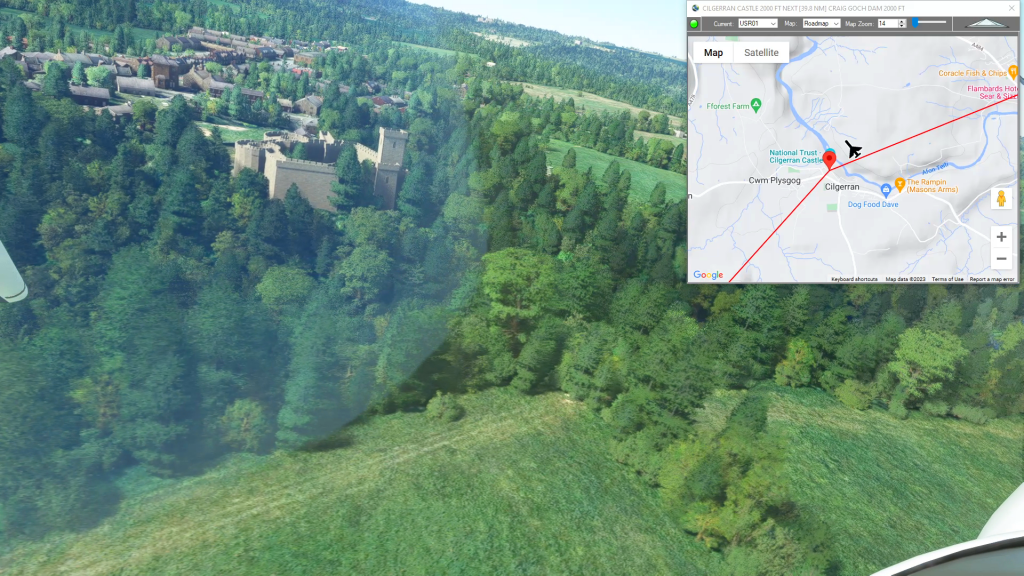
How To Create A Bush Trip
You can use Simflightplan™ to create multi-leg flights that mimick the in game Bush Trips in Microsoft Flight Simulator. Simflightplan™ creates Free Flight type flight plans that can be flown in sequence by simply loading the next consecutive flight plan after landing. The https://simflightplan.com/series/pacific-nw/ Pacific Northwest Series is an example of this. See the YouTube…
How To Create A Landing Practice
You can practice challenging approaches from the MSFS 2020 Bush Trips in Flight Plan. Just copy the Bush Trip to a Free Flight, then delete the waypoints you don’t want. You can use the contour lines on the map to determine your runway elevation if you aren’t certain of it. You can also review the…