
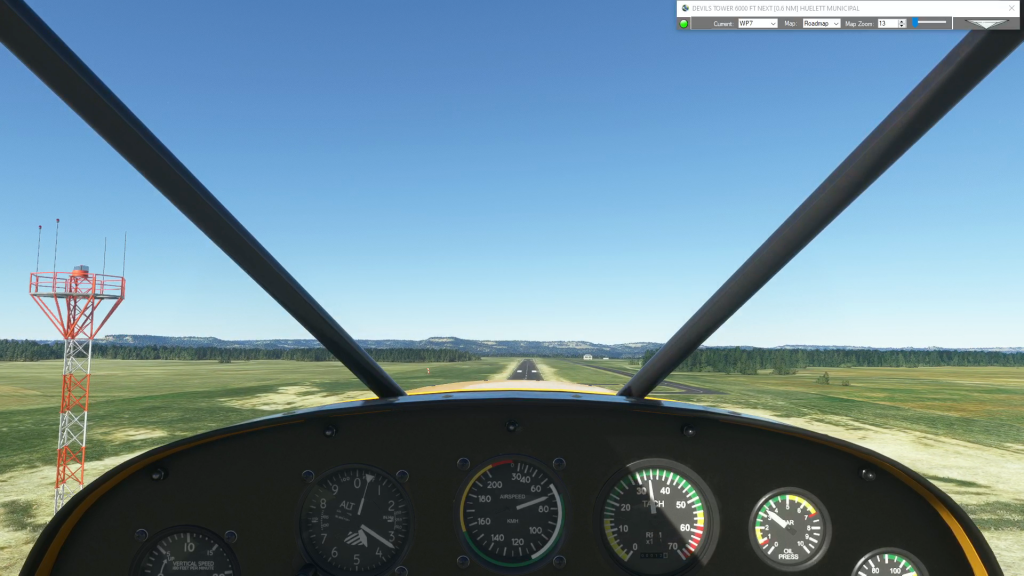
To create a brand new airport, click anywhere on the airport grounds, at the location where you want your aircraft to spawn. Next, enter the appropriate ICAO code if there is one as your waypoint ID, the name of the airport as your description and select whatever altitude (elevation) you want. If you’re not certain…
How To
Here in our How To section you’ll find articles and videos on topics ranging from choosing parking to taxiing to recovering after crashing your aircraft. Check back for new articles and subcribe to our YouTube channel for more How To videos and Flight Plan Previews.
Simflightplan™ is a Google Maps flight planning add-on for use with Microsoft Flight Simulator. You can use Cockpit Map to take Google Maps in the cockpit with you to use real time terrain elevations, road maps, landmarks, satellite views and street view 3D imagery.
Download Simflightplan™ and try it yourself. You can also download and fly any of our free flight plans, click the Downloads link at the top to search all downloads. Load them in MSFS World Map and you are ready to fly.
For more information see the FAQ page or our YouTube channel.
Happy Flying!
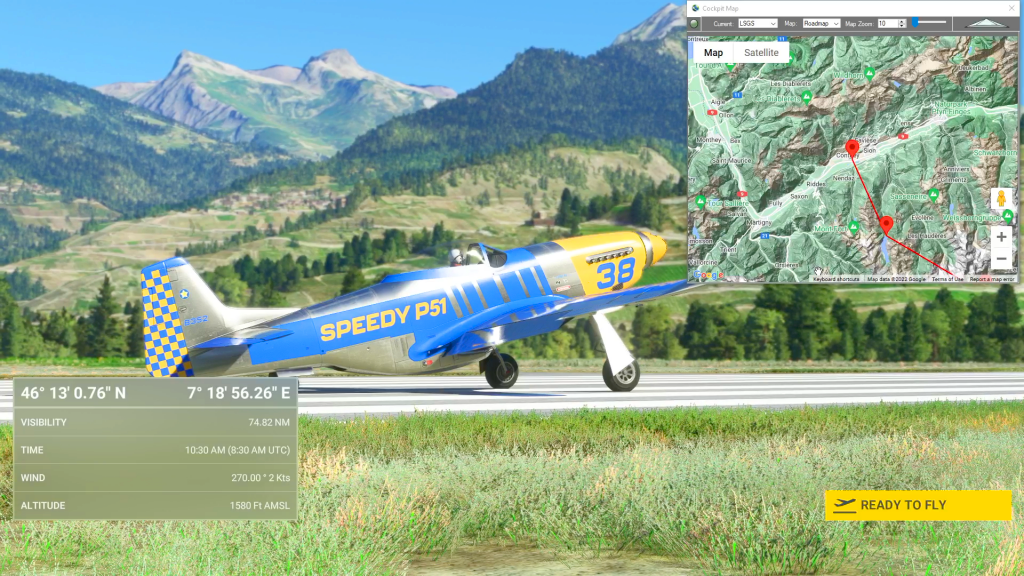
How do I pick an aircraft that is not in the drop-down list?
Flightplan has a list of the aircraft that come with the Basic version of Microsoft Flight Simulator 2020 for convenience (future versions may contain addtional aircraft) but it would be impossible to keep the list in sync with every aircraft in the Marketplace. So the name of any aircraft you own can be typed into…

Can I change the unit of measure on the map?
Switching units of measure will automatically convert your waypoint altitudes between meters (M) and feet (FT)
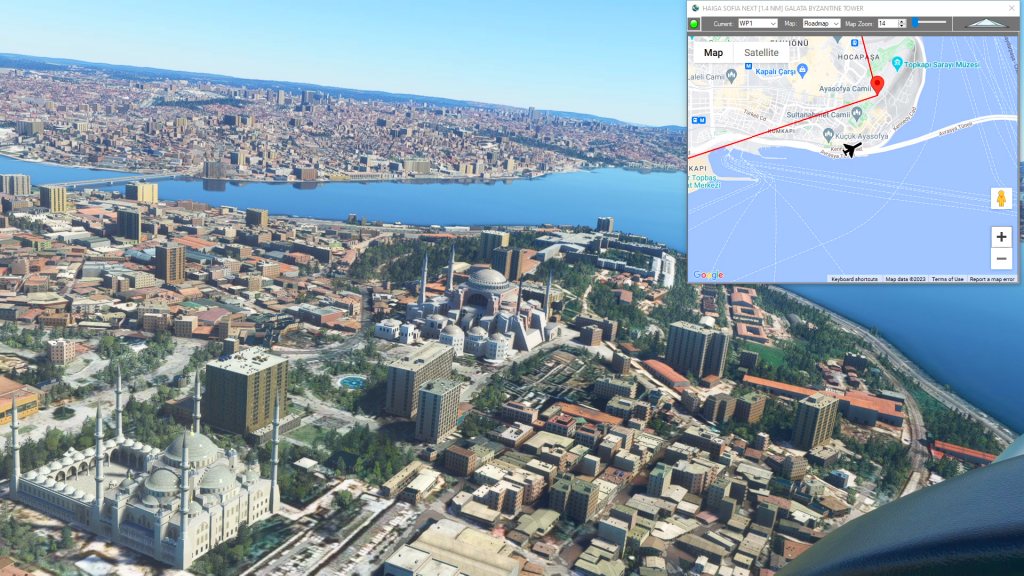
How can I create a new flight plan?
There are several ways to copy and save flight plans to create a new flight plan (Check out the videos on our YouTube channel link below). However there is not currently a specific New button in Flightplan to create a file from scratch. The primary reason for this is that the values that define the…
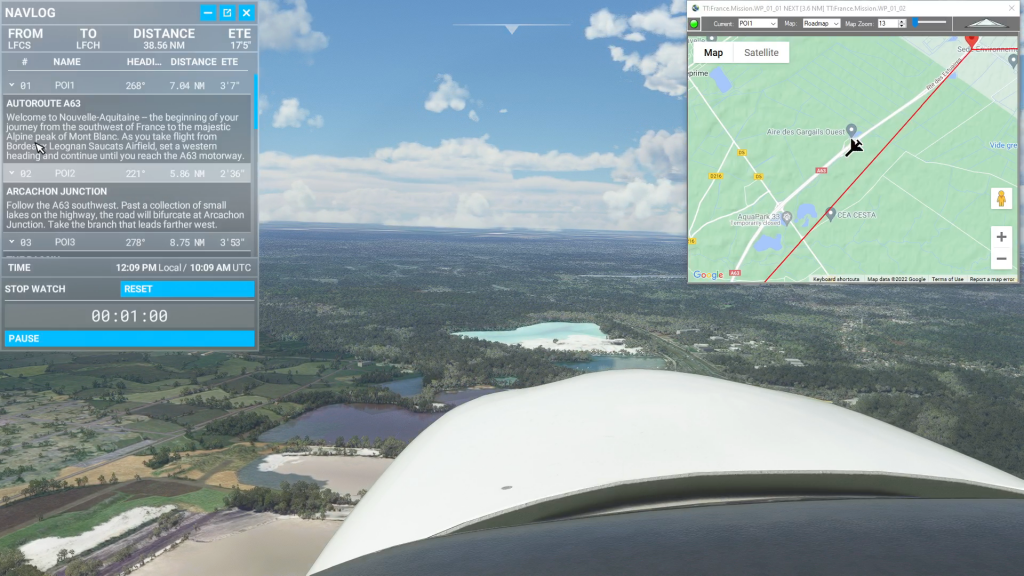
Isn’t it cheating to use Cockpit Map in a Bush Trip?
Well yes, from a navigation perspective the point of Bush Trips is to use the Nav Log and VFR to navigate the route. Although some of the Nav Log descriptions are vague and hard to follow on a number of built-in Bush Trips so it can be difficult to find the landmarks mentioned (even if…