
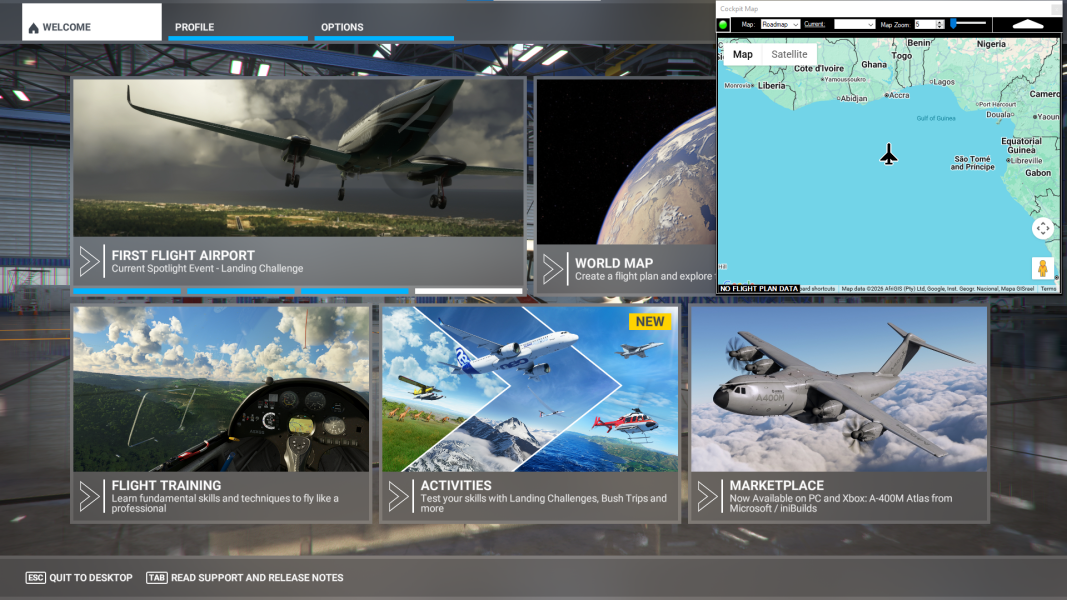
Cockpit Map Window Cockpit Map will automatically open from the Simflightplan™ Main window if Microsoft Flight Simulator (MSFS) is running and no flight plan has been opened. Cockpit Map will display the aircraft at the prime meridian on the equator (Latitude: 0°, Longitude: 0°) if no flight is loaded in MSFS. You can also click…
Flight Simulator Google Maps
Simflightplan™ is a Google Maps flight planning add-on for use with Microsoft Flight Simulator. You can use Cockpit Map to take Google Maps in the cockpit with you to use real time terrain elevations, road maps, landmarks, satellite views and street view 3D imagery.
Download Simflightplan™ and try it yourself. You can also download and fly any of our free flight plans, click the Downloads link at the top to search all downloads. Load them in MSFS World Map and you are ready to fly.
For more information see the FAQ page or our YouTube channel.
Happy Flying!

How To Add Nav Waypoints Using Any Glass Cockpit
Flightplan does not display Nav Waypoints on the map unless they are waypoints on the flight plan. The assumption is that the glass cockpit will take care of that for you, so displaying the Nav Waypoints in Cockpit Map is really not necessary (although they may be added in future versions of Flightplan). However you…
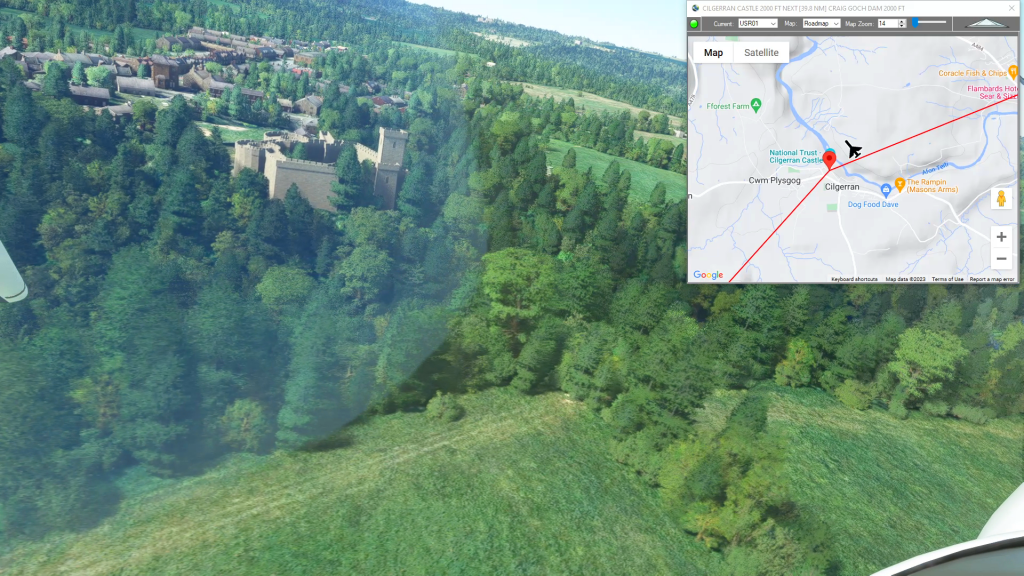
How To Create A Bush Trip
You can use Simflightplan™ to create multi-leg flights that mimick the in game Bush Trips in Microsoft Flight Simulator. Simflightplan™ creates Free Flight type flight plans that can be flown in sequence by simply loading the next consecutive flight plan after landing. The https://simflightplan.com/series/pacific-nw/ Pacific Northwest Series is an example of this. See the YouTube…
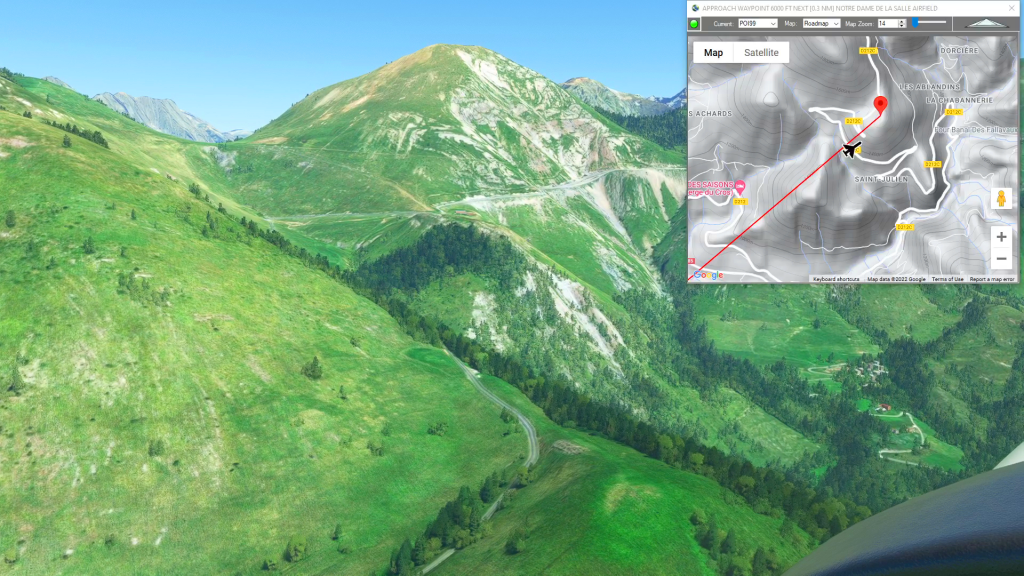
How To Create A Landing Practice
You can practice challenging approaches from the MSFS 2020 Bush Trips in Flight Plan. Just copy the Bush Trip to a Free Flight, then delete the waypoints you don’t want. You can use the contour lines on the map to determine your runway elevation if you aren’t certain of it. You can also review the…
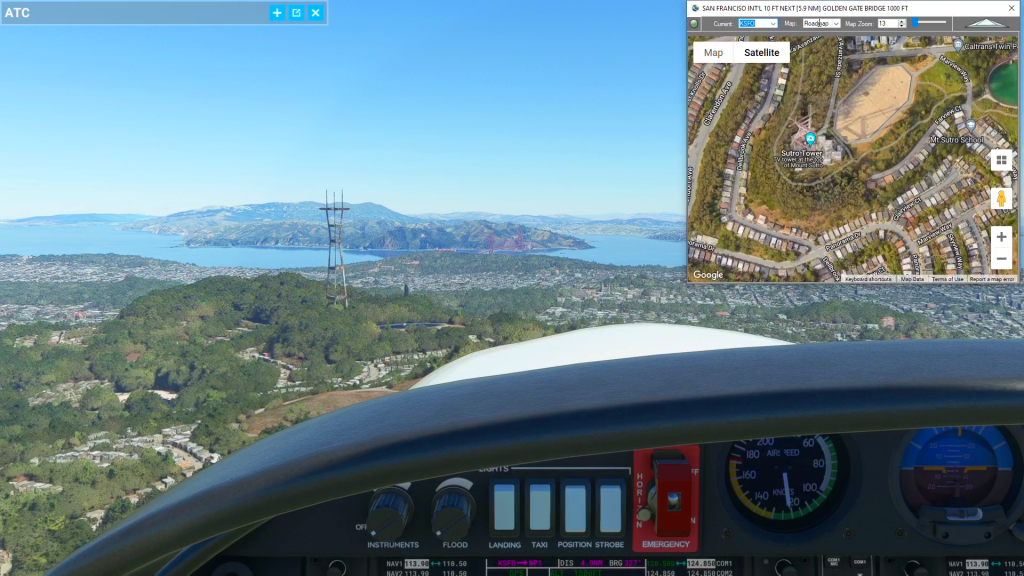
Cockpit Map Features
Simflightplan™ Cockpit Map can be used in place of Microsoft Flight Simulator’s Nav Map. Cockpit Map displays the loaded flight plan along with the current position of your aircraft over the Google map. When launched, Cockpit map will appear at the top right 1/3 of the primary display. It can be moved or resized to…