
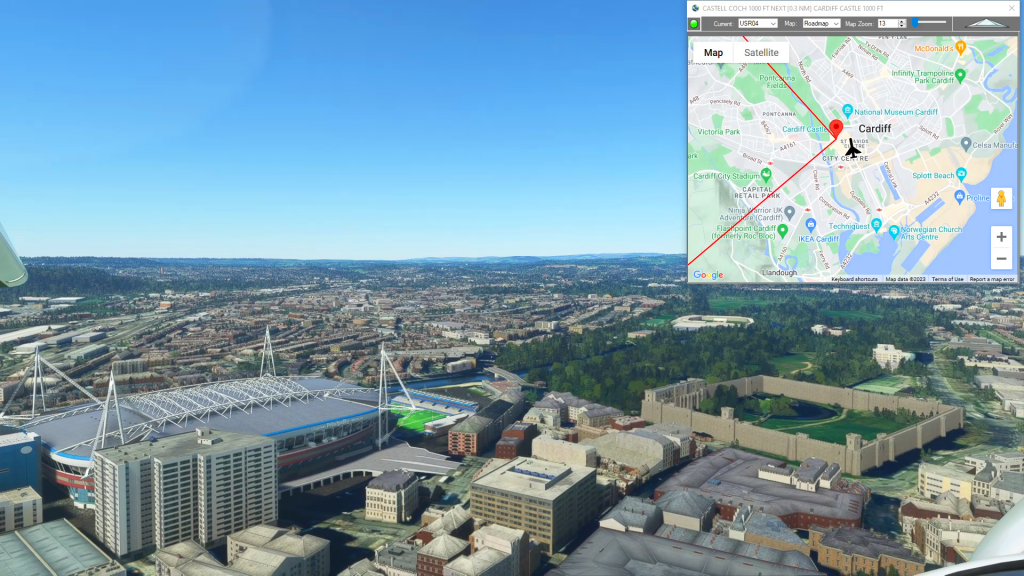
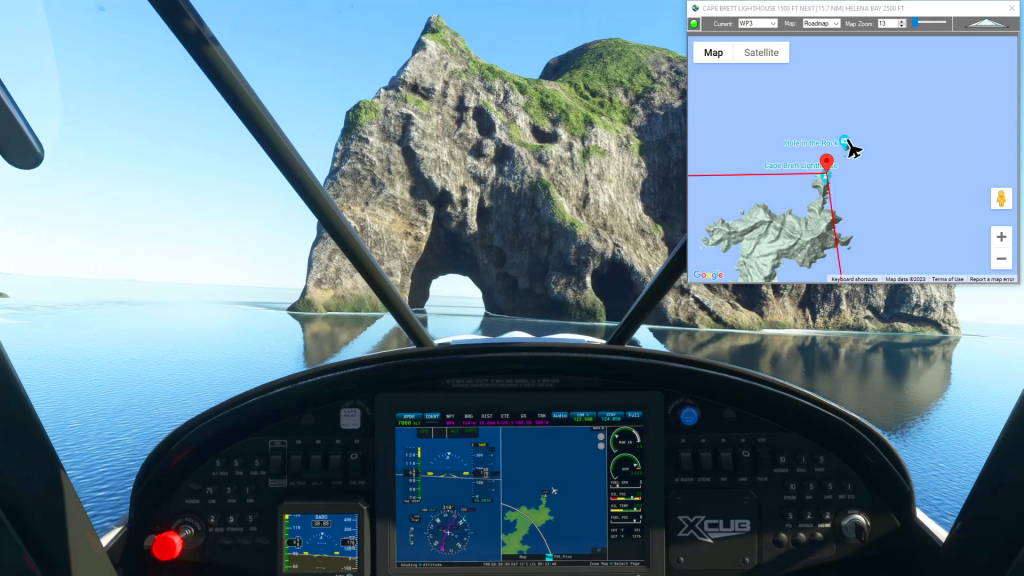
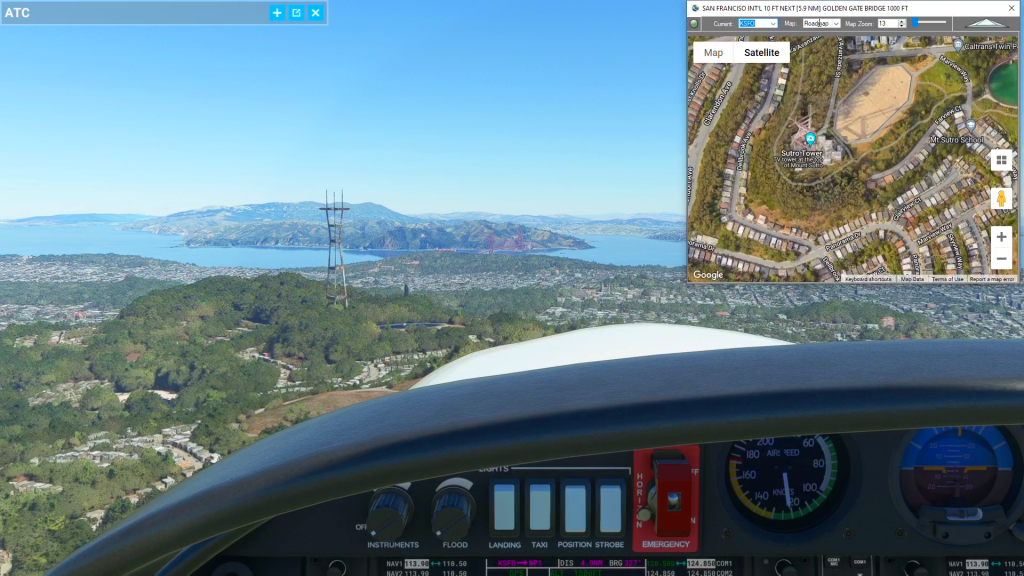
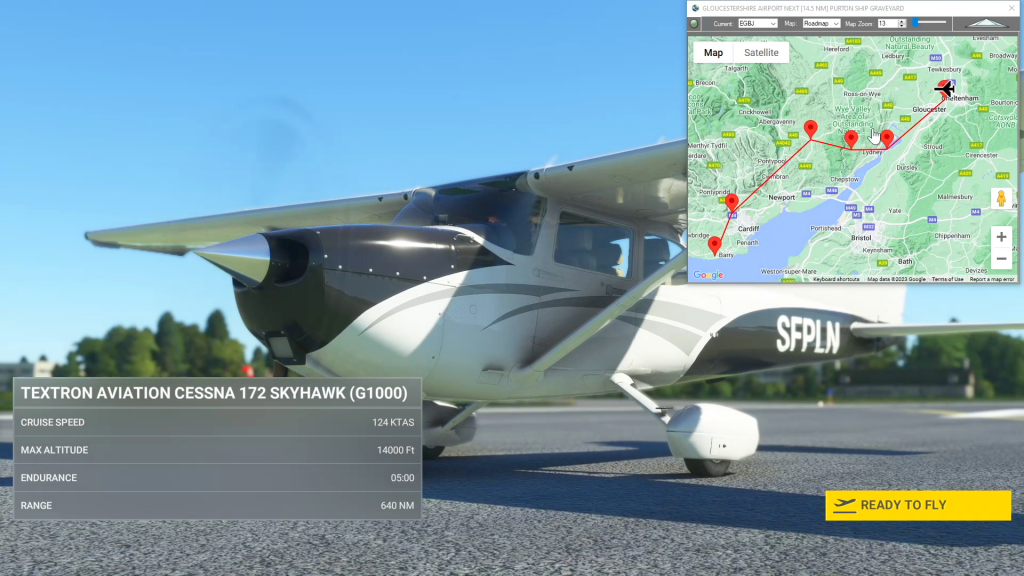
With Simflightplan™ for Flight Simulator, you can take Google Maps in the cockpit with you. Simflightplan™ Cockpit Map allows you to see the real-time google map beneath you as you fly. Just like on your phone, Google Maps will display road names, place names, landmarks, street views and 3D photogrammetry as you fly. You can…
Flight Simulator Flight Planner Software
Flightplan is a Google Maps flight planning add-on for use with Microsoft Flight Simulator 2020. You can use Cockpit Map to take Google Maps in the cockpit with you to use real time terrain elevations, road maps, landmarks, satellite views and street view 3D imagery. Flightplan can also be used to create and share your own flight plans using an interactive drag-and-drop, Google Maps interface.
Download Flightplan and try it yourself – the link is at the bottom of the page. You can also download and fly any of our free flight plans using the Download Link at the top. Load them in MSFS World Map and you are ready to fly. For more information see the topics below or check out our YouTube channel or FAQ page.
Happy Flying!
Planned Features List
List of planned features and functions to be added to Flightplan in the next release. Please feel free to comment with any we’ve missed.
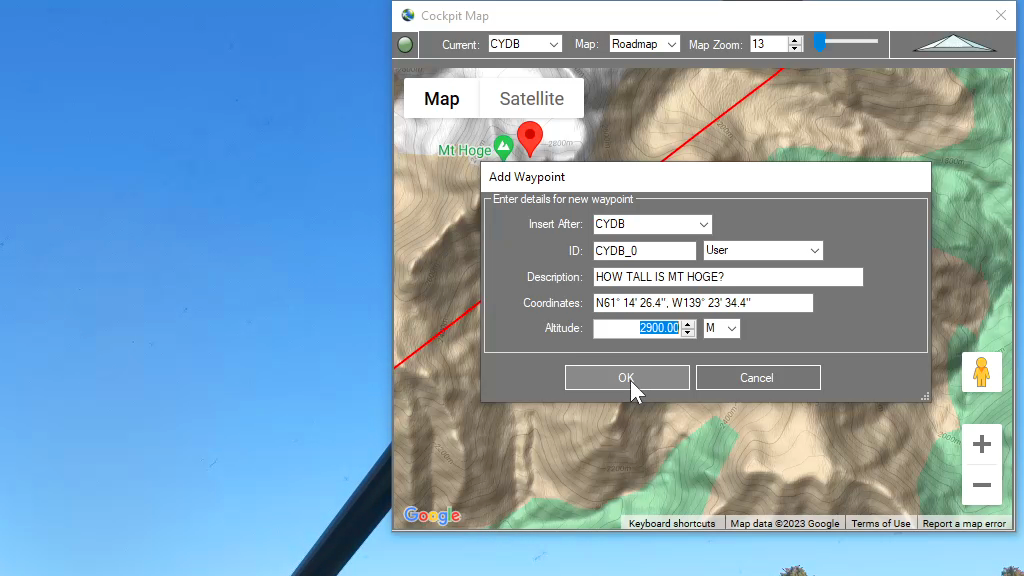
How can I quickly convert elevations from meters to feet in MSFS?
You can drop a pin anywhere and enter the desired altitude using either Meters (M) or Feet (FT) and when the Pin is added to the map it will be converted to your flight plan unit of measure. So if you are used to flying using Imperial units of measure (feet) but the local elevations…
Feature Release
List of features added in conjunction with the Microsoft 40th Anniversary Edition of Microsoft Flight Simulator
How do I save the aircraft settings I want to start with?
While Flightplan allows you to change the aircraft name for any flight, there are many settings that may not be correct from one aircraft to another. Typically, changing from a “more complex” aircraft to a “less complex” aircraft (for example from an A320neo to a Cessna Skyhawk) will not have any noticable change when loading…