

You can use the Satellite view of Cockpit Map to assist with navigating complicated taxiways. Simply turn on GPS Follow mode, set your Zoom level so that you can read the taxiway and runway markings (if the airport is clearly marked) and select Satellite as your Map. You can then follow the ATC taxi route using the actual taxiway markings as photgraphed by the satellite.
Check out the How To videos on our YouTube channel for more information https://youtube.com/@simflightplan
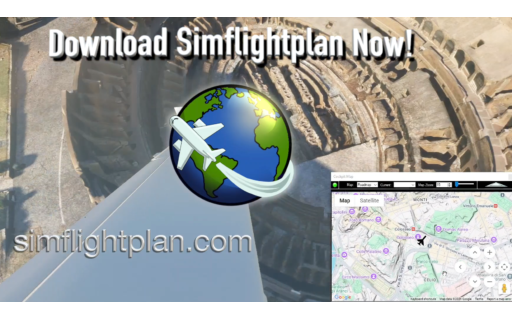
Simflightplan™ is a Google Maps flight planning add-on for use with Microsoft Flight Simulator. Simflightplan™ can be used to create and share your own flight plans using an interactive Google Maps drag-and-drop interface complete with terrain elevations, landmarks, streetviews, etc. Click on the interactive map to drop a pin at any location on earth, plus edit your aircraft and flight plan settings before you get in the cockpit.
Download Simflightplan™ for Flight Simulator for free now! Google Maps API subscription is included free for 7 days.
Simflightplan™ is always free to use for editing and modifying flight plans, a Google Maps API subscription is required to continue using the map features. Software updates and upgrades are free for life.
Note: Each PC can be registered to only 1 user, so please make sure you are using the same PC you run Microsoft Flight Simulator 2020 on when you open Simflightplan™ for the first time.