
Simflightplan 2 Now Available!
planner.flightsim
Simflightplan™ is a Google Maps flight planning add-on for use with Microsoft Flight Simulator. You can use Cockpit Map to take Google Maps in the cockpit with you to use real time terrain elevations, road maps, landmarks, satellite views and street view 3D imagery.
Download Simflightplan™ and try it yourself. You can also download and fly any of our free flight plans, click the Downloads link at the top to search all downloads. Load them in MSFS World Map and you are ready to fly.
For more information see the FAQ page or our YouTube channel.
Happy Flying!

How To Get Started with MSFS Flight Plans
To get the most out of your flight plans, you’ll need to understand a few things about Microsoft Flight Simulator. Below is a overview of options and considerations for creating a flight plan. Once you’ve opened MSFS you’ll have a number of options at the Main Menu such as Activities, Featured Activity and the World…
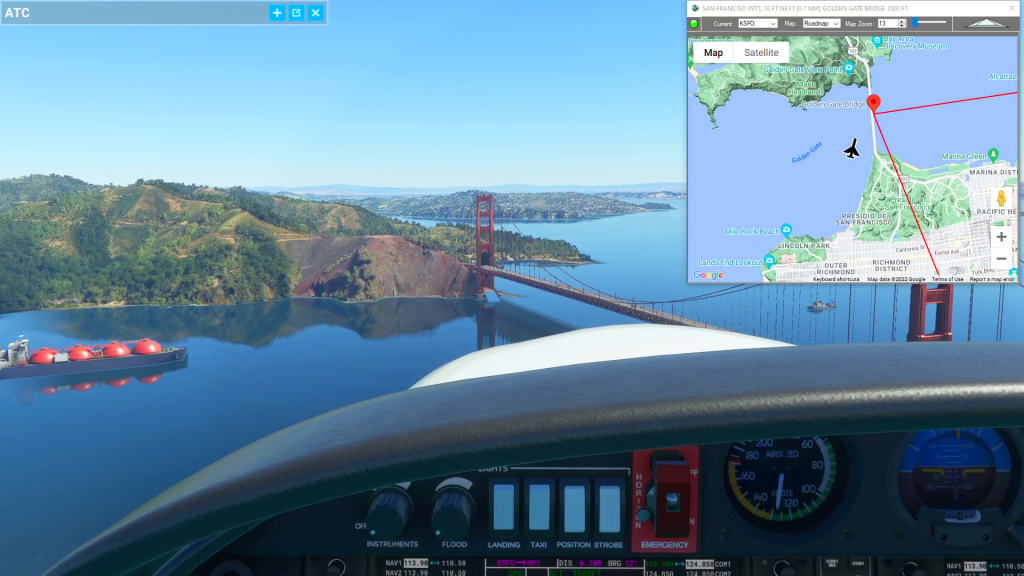
How to use Google Maps in Cockpit
You can use Flightplans Cockpit Map to take Google Maps in the cockpit with you in Microsoft Flight Simulator. You can open any MSFS flight plan and follow your progress on the flight path or just use the Google Map to create a route on-the-fly. Check out the video below for an overview of Cockpit…
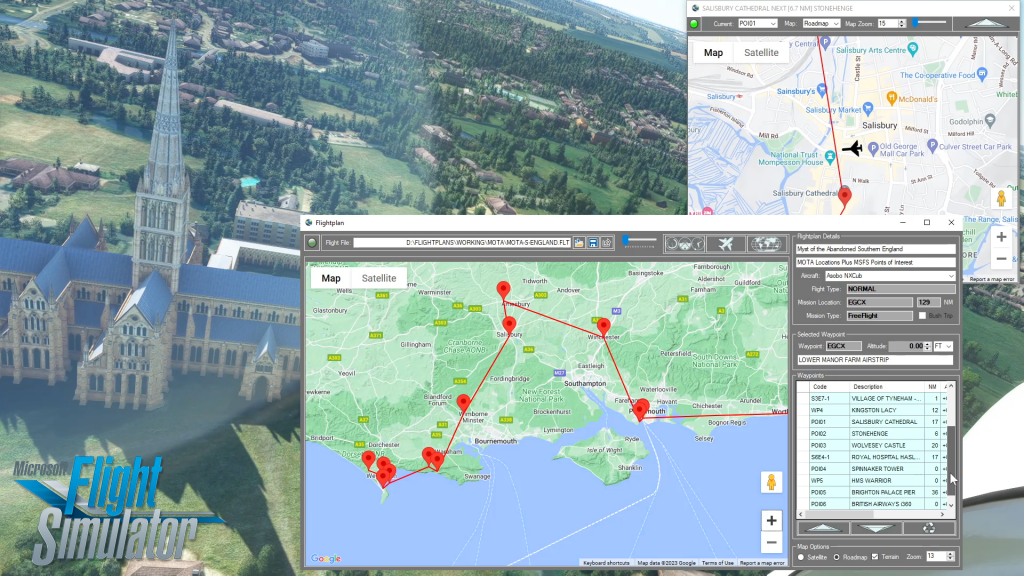
How To Create A Flight Plan in MSFS
There are several ways to copy and save flight plans to create a new flight plan (Check out the videos on our YouTube channel link below). There is not currently a specific New button in Flightplan to create a file from scratch. The primary reason for this is that the values that define the aircraft,…