

Seattle flight plan
MSFS Bush Trips
Simflightplan™ is a Google Maps flight planning add-on for use with Microsoft Flight Simulator. You can use Cockpit Map to take Google Maps in the cockpit with you to use real time terrain elevations, road maps, landmarks, satellite views and street view 3D imagery.
Download Simflightplan™ and try it yourself. You can also download and fly any of our free flight plans, try the flight plans below or click the Downloads link at the top to search all downloads. Load them in MSFS World Map and you are ready to fly.
Navigating Microsoft Flight Simulator Bush Trips can be a challenge. You can use the Nav Log bearings and ETEs to navigate the route, but if you want to sight-see the compass and stopwatch can be a burden. You can use the VFR Map, but it doesn’t show town or street names and the elevations are difficult to read. Wouldn’t it be nice to have Google maps in the cockpit with you?
For more information see the FAQ page or our YouTube channel.
Happy Flying!
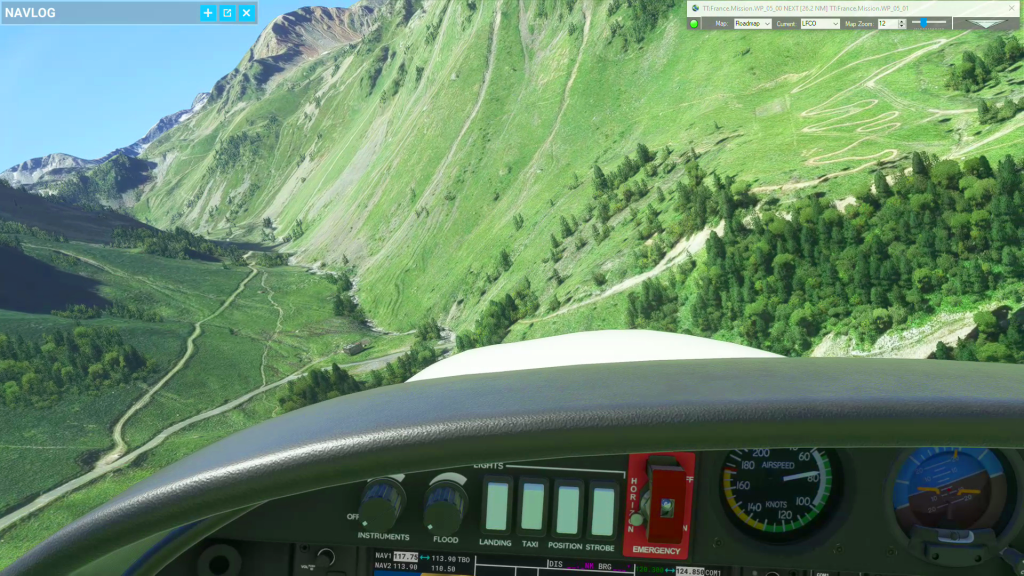
Castillion Landing
Castillion landing practice flight plan
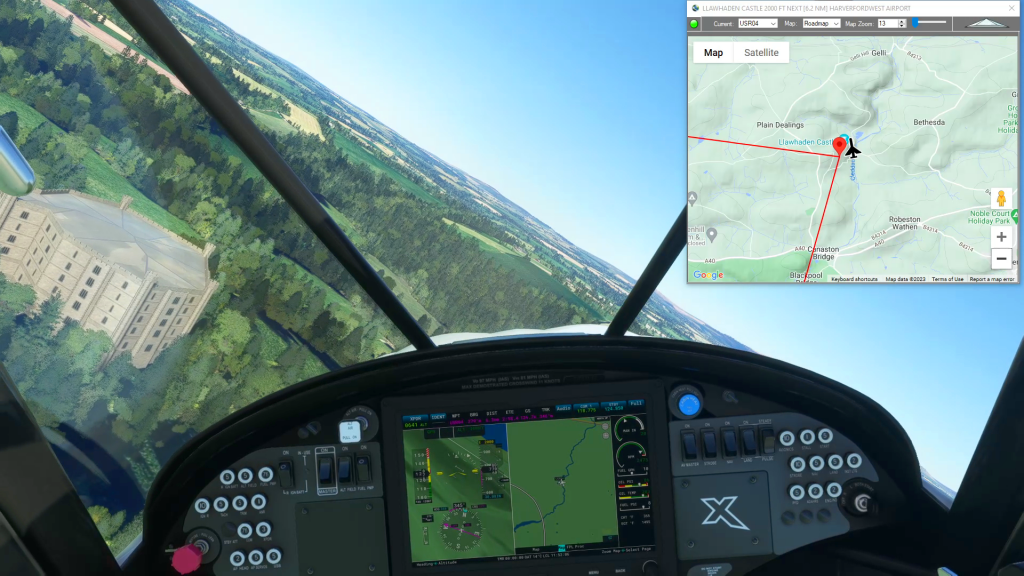
Welsh Castles – Dinefwr Castle
Pembrey Airport To Harverfordwest Airport Flight Plan
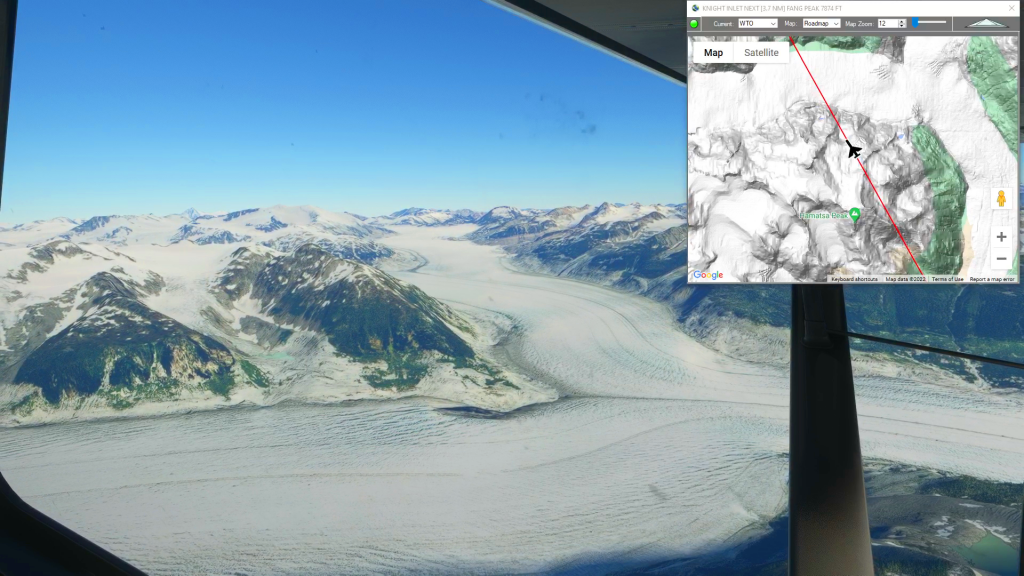
Knight Inlet to Bella Coola (Water Takeoff)
Knight Inlet to Bella Coola flight plan
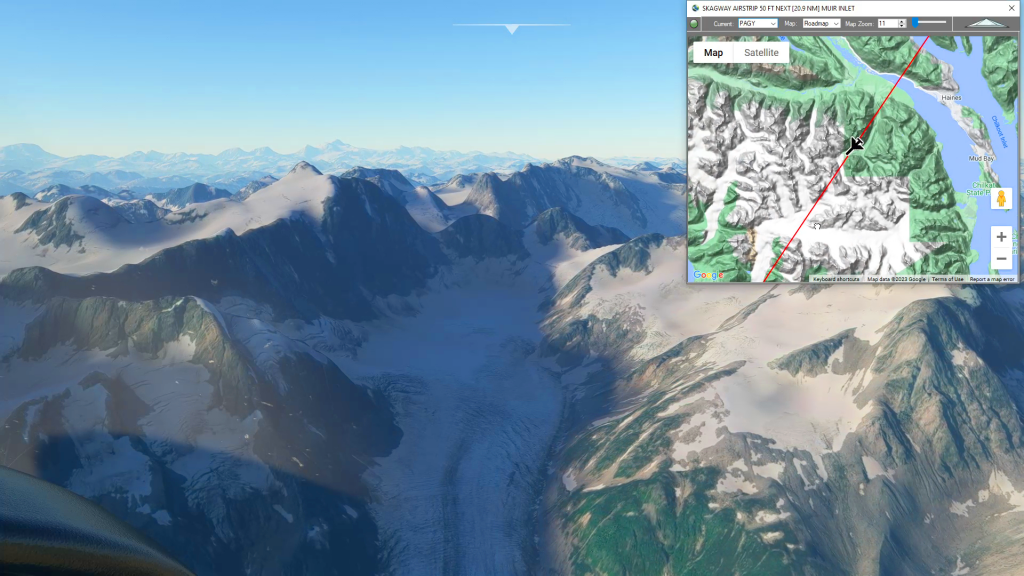
Glacier Bay National Park
Skagway Airstrip To East Alsek River Airstrip Flight Plan